
New Rewards For Watching Active Matter Streams This Week
It’s time for new rewards for watching Active Matter streams on Twitch!
From May 2nd (15:00 UTC) until May 10th (15:00 UTC), watch live streams to receive rewards in Active Matter.
Log into your Twitch account → link your Gaijin account → click "Allow" to receive Twitch Drops!
Rewards
- Beacon — 5 PCS for 1h of watching
- Makarov Honorary pistol + researched Replicator blueprint — 3 PCS for 2h of watching
- Equipment pack (armor plates, medicines) – for 3h of watching
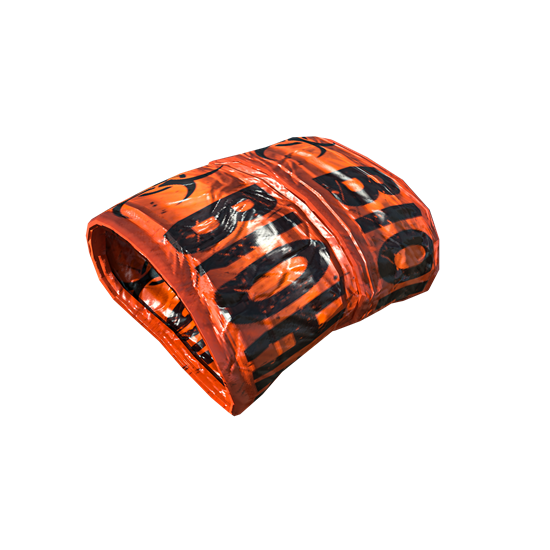
- "Unstable sample" ribbons pattern – for 4h of watching
- Large safe container — 5 PCS for 5h of watching
- Heavily-modded XV ACP – 3 PCS for 6h of watching
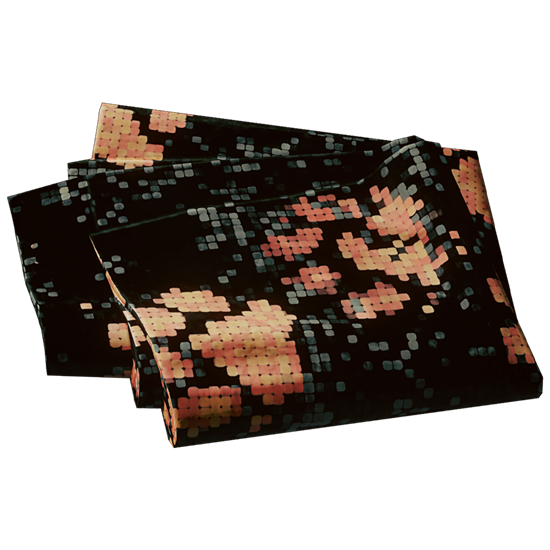
- "Pawtern" camouflage – for 8h of watching

FAQ
FAQ
What should I do to be able to receive the rewards?
You should link your Gaijin and Twitch accounts:
- Register or log into your Twitch account.
- Log into your Gaijin account you use to play (or plan to use to play) Active Matter on this page, then press the "Link" button.
- Press the "Allow" button!
What will happen to the rewards if I haven’t purchased Active Matter yet?
These rewards are tied to your account — as soon as you buy any edition of Active Matter and launch the game, they will appear in your storage.
Where can I find my rewards in Active Matter?
They will be automatically placed in your storage.
Which streams do I need to watch to get rewards?
Any Active Matter streams. If you see a pop-up at the top of the chat saying "Watch to earn Drops!", you will start receiving rewards for watching!
How will I know that I’ve received a reward?
You’ll get a notification on the Twitch stream page. After that, you can find the item in the game.
NOTE: You must click the “Claim” button for each obtained reward in your Twitch inventory before the Twitch Drops campaign ends on May 10th (15:00 UTC).
For which platforms are the rewards available?
Active Matter rewards can only be claimed on PC (the game is currently PC-only).
I’m a streamer and want to broadcast Active Matter. How do I enable Drops on my channel?
- Link your Twitch account to your Gaijin account.
- Enable Drops in the Twitch settings.
- Play Active Matter, start your Twitch stream, and ensure the broadcast category is set to Active Matter in the Stream Manager.