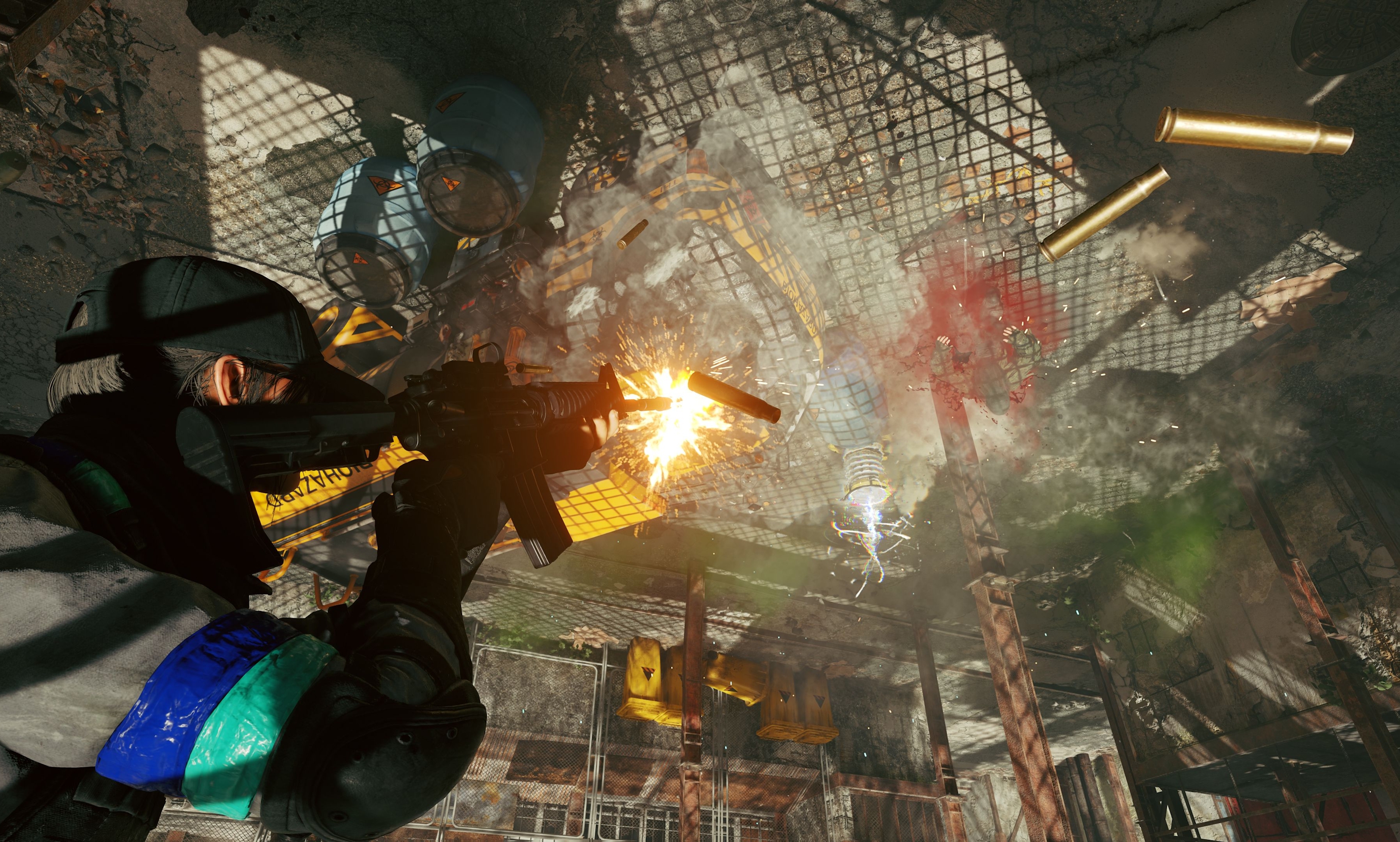
Rewards For Watching Active Matter Streams This Week
With the release of the new raid location “Gigastructure,” you can earn rewards from watching Active Matter streams on Twitch!
From April 10th (16:00 UTC) until April 13th (16:00 UTC), watch live streams to receive rewards in Active Matter.
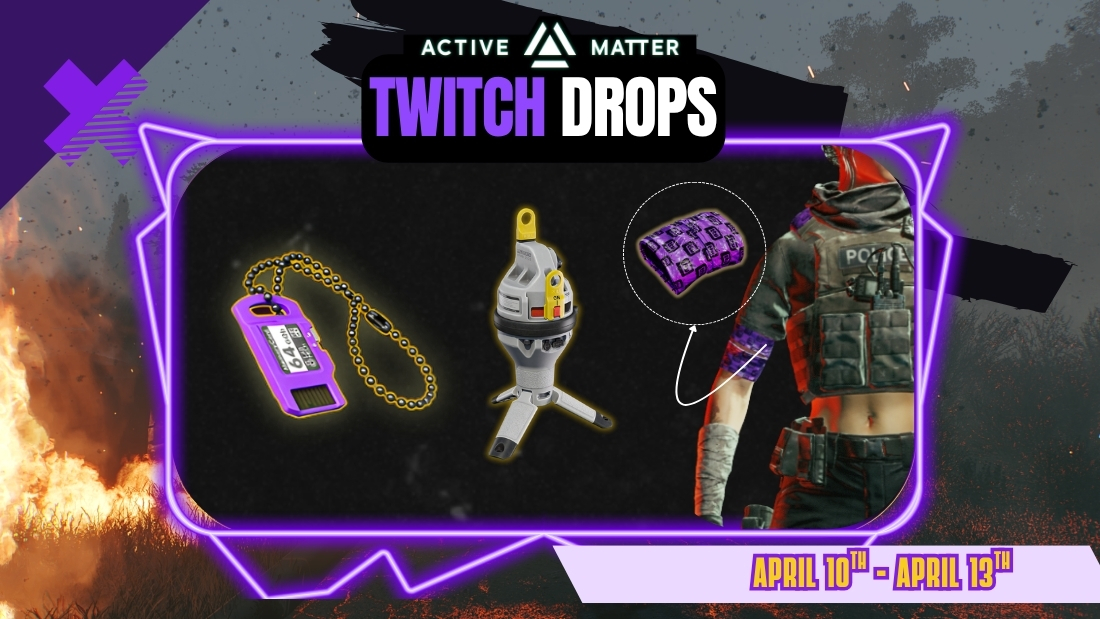
Log into your Twitch account → link your Gaijin account → click “Allow” to receive Twitch Drops!
Rewards
- "Not AFK Band" ribbon color pattern or 160 Crystallised Active Matter*
- "Neutral Observer" dog tag or 160 Crystallised Active Matter*
- Beacon — 3 PCS
* If your account already owns any of the unique rewards, you’ll receive the 160 Crystallised Active Matter instead.
FAQ
What should I do to be able to receive the rewards?
You should link your Gaijin and Twitch accounts:
- Register or log into your Twitch account.
- Log into your Gaijin account you use to play (or plan to use to play) Active Matter on this page, then press the “Link” button.
- Press the “Allow” button!
What will happen to the rewards if I haven’t purchased Active Matter yet?
These rewards are tied to your account — as soon as you buy any edition of Active Matter and launch the game, they will appear in your storage.
Where can I find my rewards in Active Matter?
They will be automatically placed in your storage.
Which streams do I need to watch to get rewards?
Any Active Matter streams. If you see a pop-up at the top of the chat saying “Watch to earn Drops!”, you will start receiving rewards for watching!
How will I know that I’ve received a reward?
You’ll get a notification on the Twitch stream page. After that, you can find the item in the game.
NOTE: You must click the “Claim” button for each obtained reward in your Twitch inventory before the Twitch Drops campaign ends on April 13th (16:00 UTC).
For which platforms are the rewards available?
Active Matter rewards can only be claimed on PC (the game is currently PC-only).
I’m a streamer and want to broadcast Active Matter. How do I enable Drops on my channel?
- Link your Twitch account to your Gaijin account.
- Enable Drops in the Twitch settings.
- Play Active Matter, start your Twitch stream, and ensure the broadcast category is set to Active Matter in the Stream Manager.
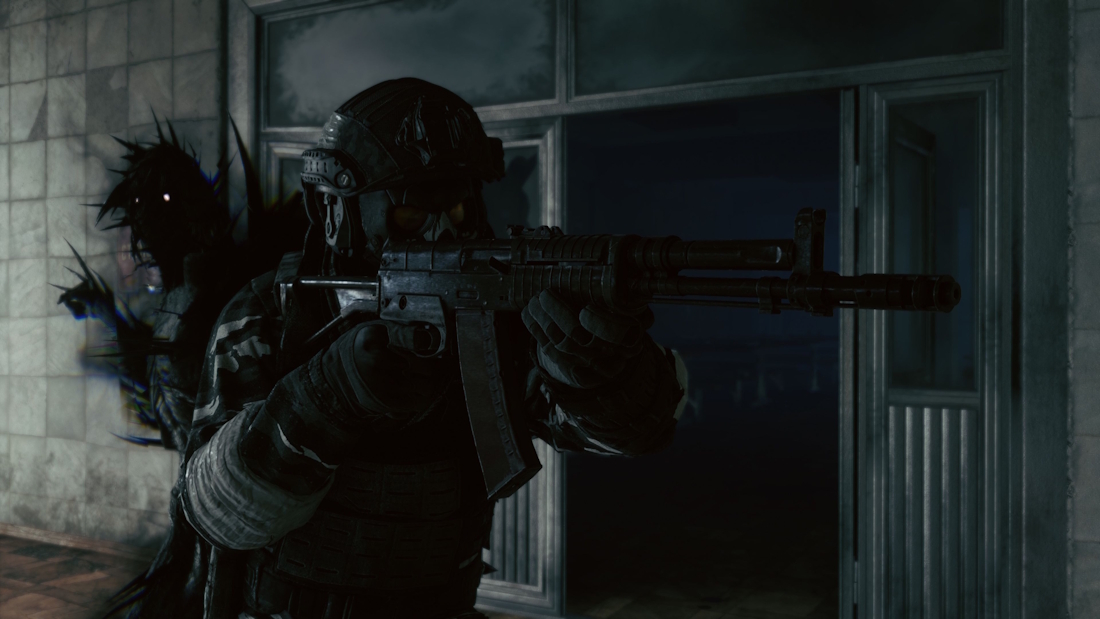
Update 0.3.0.73
It is now easier to navigate the floors in Gigastructure, Quick Chat speech language now plays the appropriate language, and several issues and bugs have been fixed.
Developer Q&A: April 13th 2026!
We’ve answered your questions regarding Harmonization, upcoming events, the development of PvE and PvP, underbarrel grenade launchers, and much more.